Uses the same included Stake source channels. Connect Telegram once; there are no channels to configure.
STAKECLAIMER LOCALYOUR SYSTEM.
YOUR SYSTEM.
ON YOUR COMPUTER.
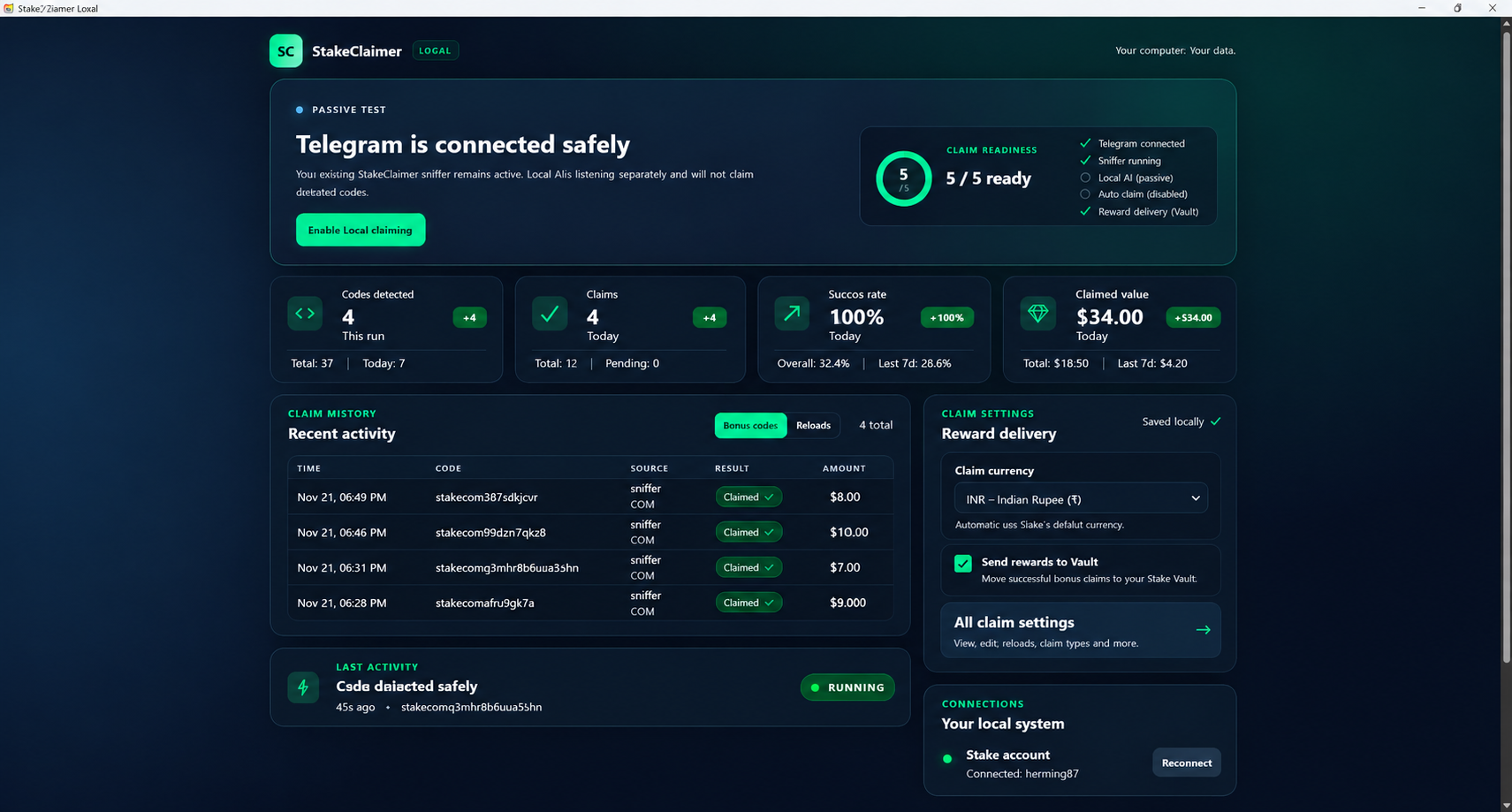
The complete StakeClaimer workflow runs on your own Windows PC: source listening, token preparation, bonus-code claims, reloads, settings and history.
WHAT YOU GET
The whole workflow, locally
Keeps five fresh verification tokens prepared and replaces consumed tokens automatically.
Review bonus and reload history, value, success rate, currencies, Vault choices and engine state.
INDEPENDENCE
Designed to keep working
The claim engine runs on your PC. It does not need StakeClaimer's hosted relay to receive the included sources or submit claims.
Your local data stays local. Stake connections, Telegram session, settings and claim history remain on your computer.
Activation happens during installation. After OxaPay confirms your $50 payment, checkout displays a one-time installer key. Daily claiming does not require an active StakeClaimer subscription.
SETUP
Install once, then keep it open
Pay securely with OxaPay
Complete the $50 crypto checkout. The price is verified by the server.
Copy your installer key
Your key appears automatically as soon as the payment is confirmed.
Run the Windows installer
Paste the key when setup asks. Node, Python and the native app are included.
Connect Stake and Telegram
Sign in once, choose your claim preferences and leave the app running.
IMPORTANT
What Local does and does not change
Local can begin in passive mode while your current StakeClaimer keeps running. When you enable Local claiming, both systems may see the same code, so use one active claimer at a time.
Claims can still fail because a code is expired, fully claimed, ineligible, rate-limited or rejected by Stake. No software can guarantee a successful claim.
StakeClaimer Local is not affiliated with Stake.com or Stake.us. You remain responsible for your account and for following applicable rules.